









Book a Demo

Engineering Teams

Focus on outcomes, not pixel-perfect busywork

Discover a unified space where engineers, design, product and AI collaborate seamlessly. Ship more, faster with AI-aligned code

Discover AI Native Product Development

A new operating rhythm for dev & product teams for optimal quality and development velocity

Quality

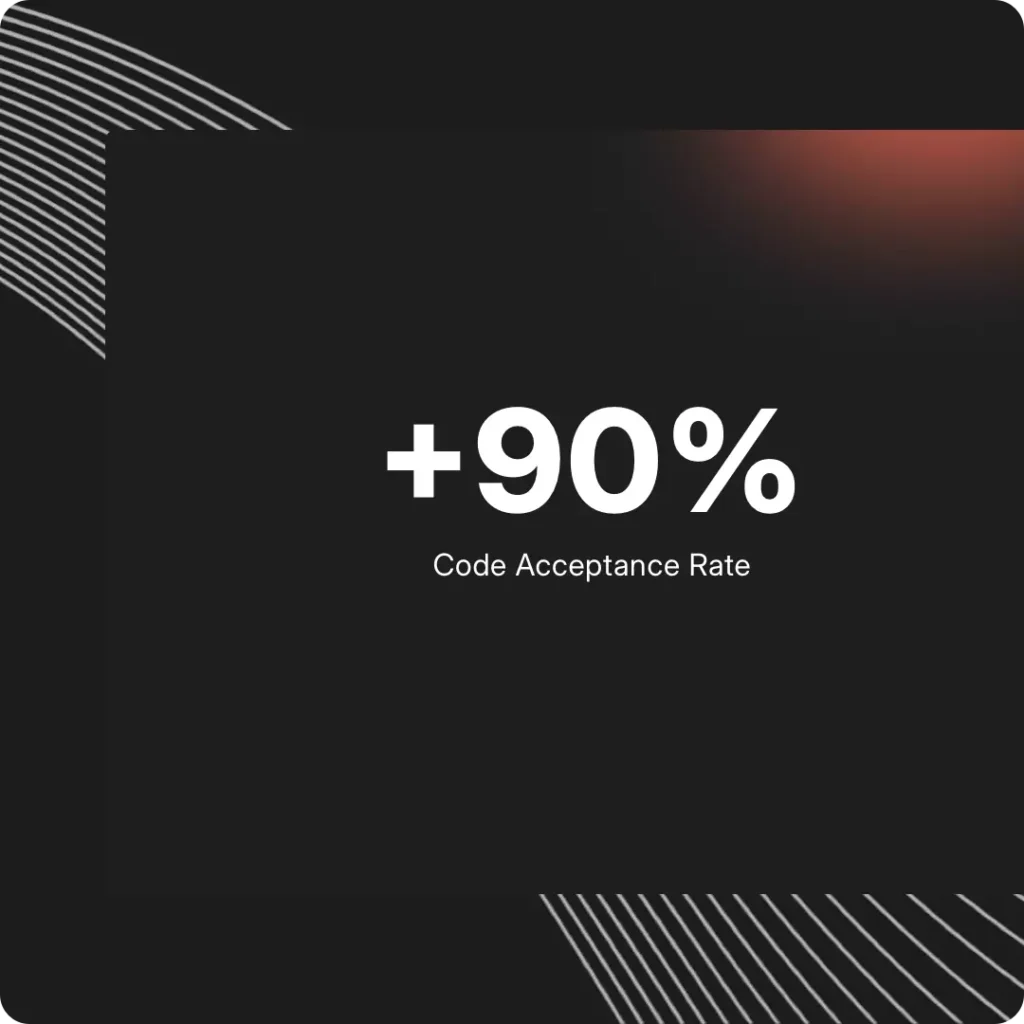
Align AI-generated code with senior engineering quality

Using our ACE (Agentic Context Engine), Fei understands architecture, component libraries, naming, and constraints, allowing agents to produce code that reflects the judgment, structure, and reliability of your best developers.

Velocity

Accelerate development through integrated AI agents

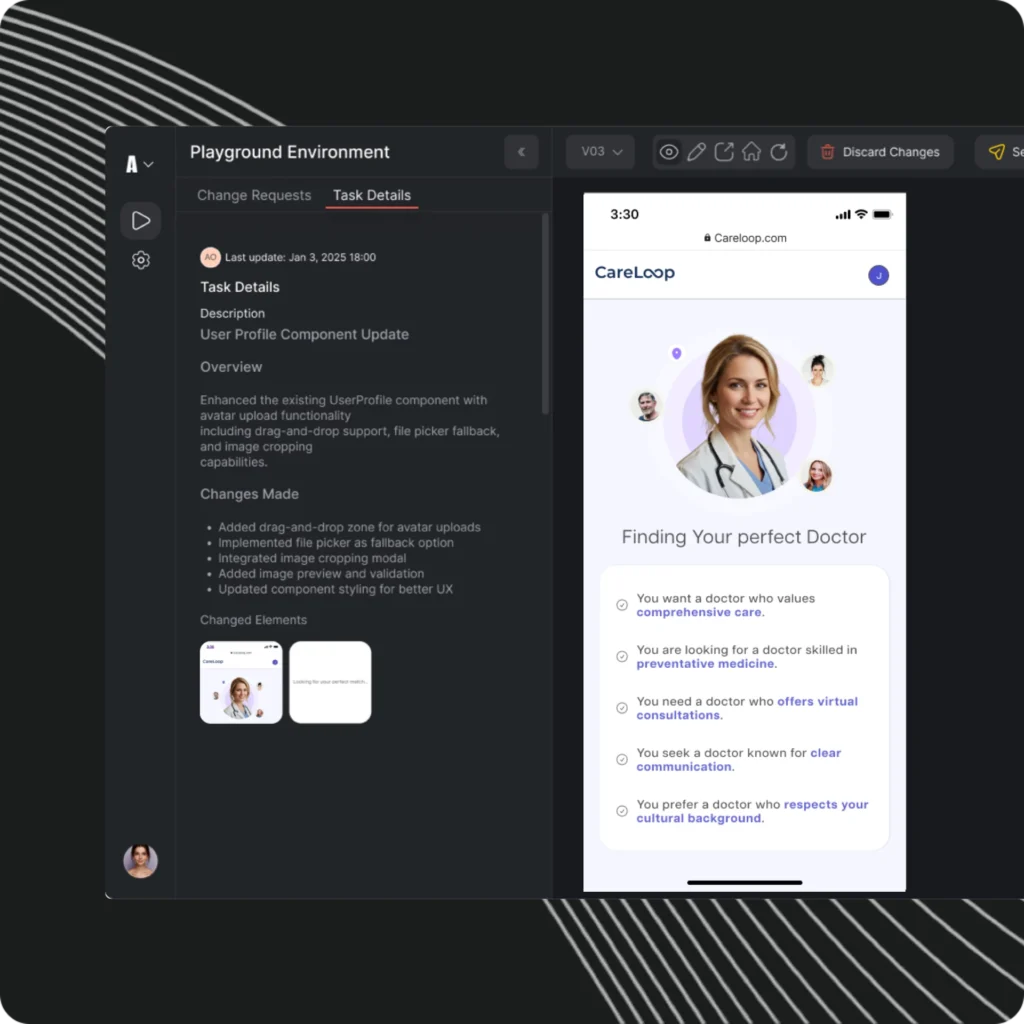
Fei’s agents break work into steps, plan the changes, and execute them in sequence so features, fixes, and adjustments move from intent to ready-for-review without slowing you down.

Unity

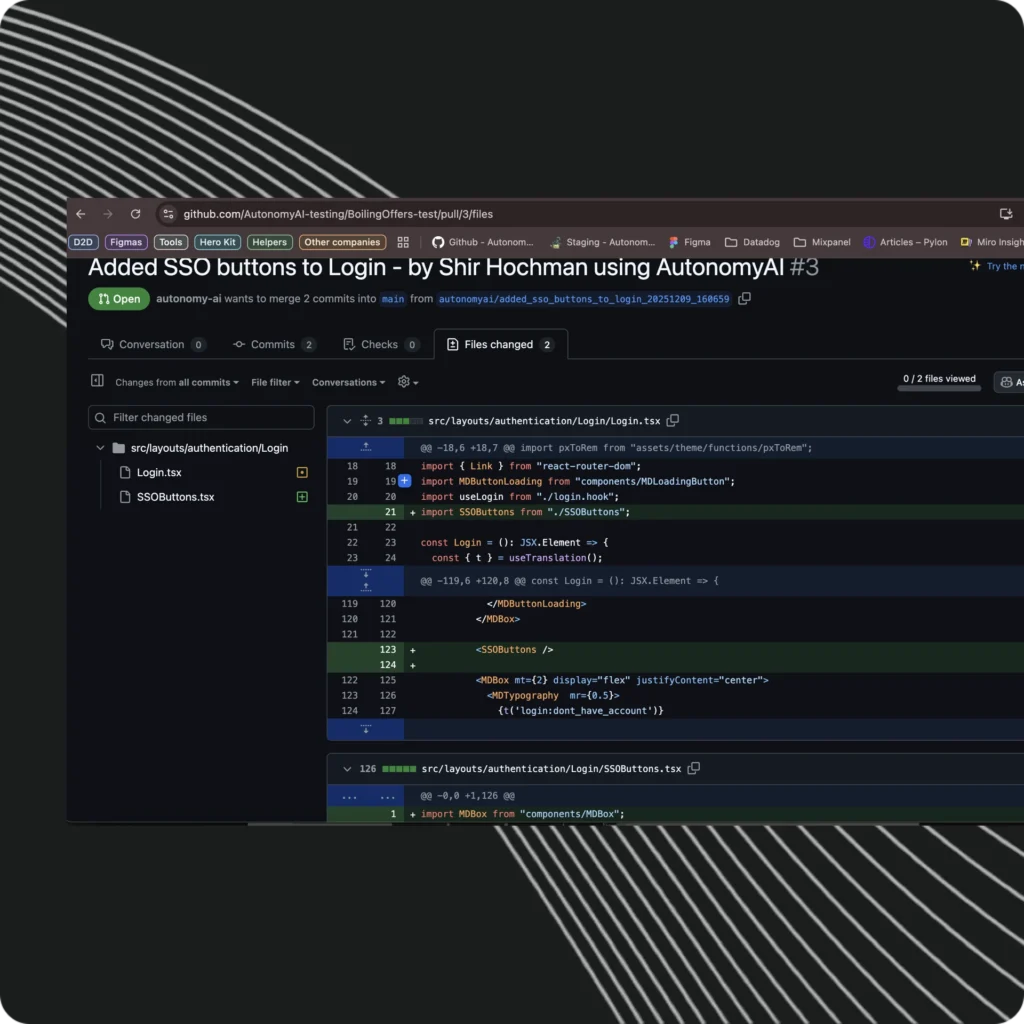
The whole team contributes quality updates ready for review

A new operating rhythm for dev & product teams for optimal quality and development velocity

Powered by

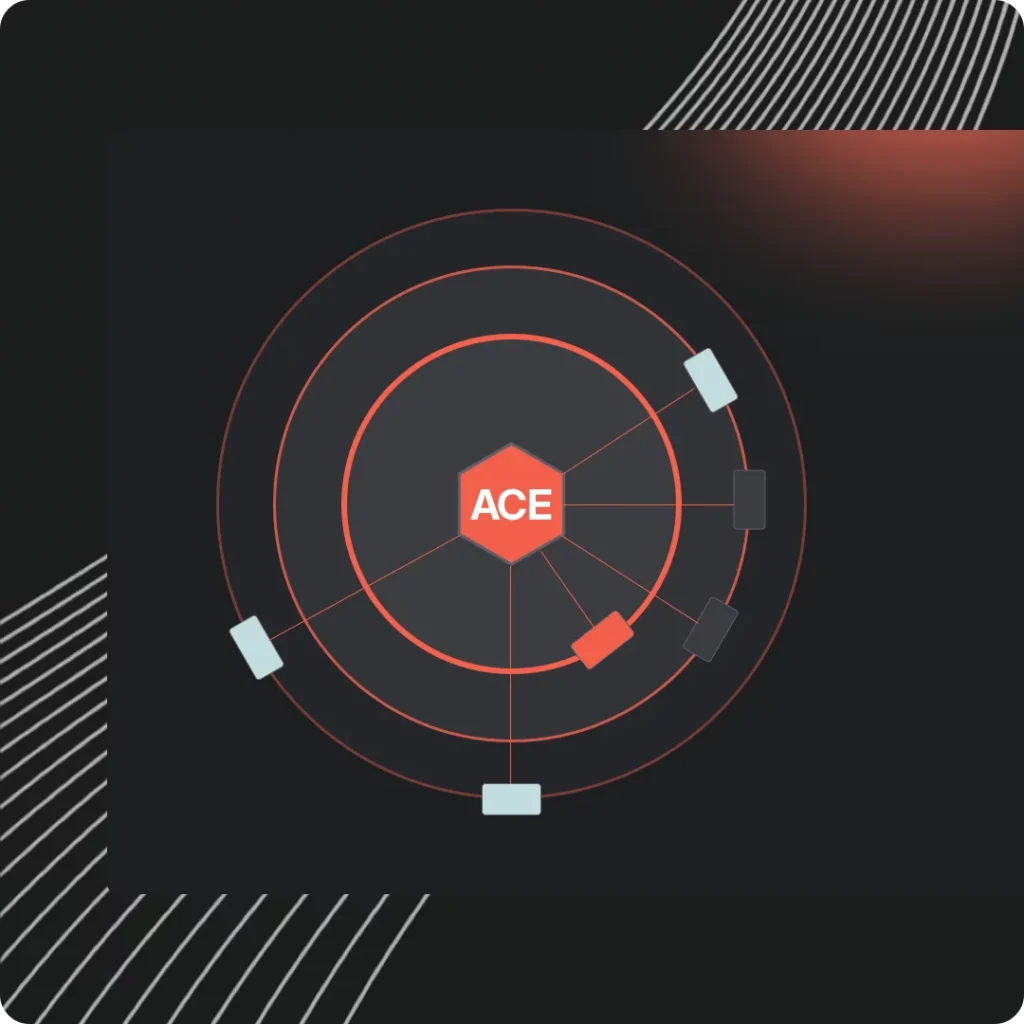
ACE: The Agentic Context Engine

Your codebase evolves continuously. Fei understands it continuously. ACE ingests your architecture, behaviors, dependencies, and conventions, then ensures every action an agent takes aligns with how your system works in practice.

New Contributors Unlocked

The whole Team - One platform

Prompt Fei with text & visuals, working directly on existing products. Let Fei deliver your changes as senior level code for developer approval

Product Managers

Create new pages and elements, change layouts, add UI functionality & more

Designers 

Create and adjust components, colors, fonts, icons, visuals and states 

QA Engineers

Add validations, adjust flows, add components, and fix UI logic

UX Writers

Adjust content, microcopy, add tooltips and even walkthroughs with a simple prompt

Built for Enterprise - Guardrails built in

Work on real code without compromising it

Private by Design

AutonomyAI runs entirely within your infrastructure, so no code or data ever leaves your environment.

SOC 2 Certified

Audited controls ensure security, availability, and confidentiality across all enterprise deployments.

Complete Governance

Control access, permissions, and data residency with full auditability and policy enforcement at every layer.

Unify Design, Product and Development

Into a lightning fast, AI native workflow

FAQ

Questions & Answers

Answers to questions about how Fei works, where it runs, and how it operates in the enterprise environment.

Fei Studio is where product teams, designers, and engineers collaborate directly on the real product. It generates working components, documentation, and updates in your actual codebase. It is deployed as a web based application, accessible to engineering and non-engineering users.

Fei IDE is the engineering environment built around Fei’s autonomous abilities. It analyzes your codebase, proposes changes, creates new components, and integrates them directly into your repository. It is deployed as an extension in Cursor, VSCode, or any fork.

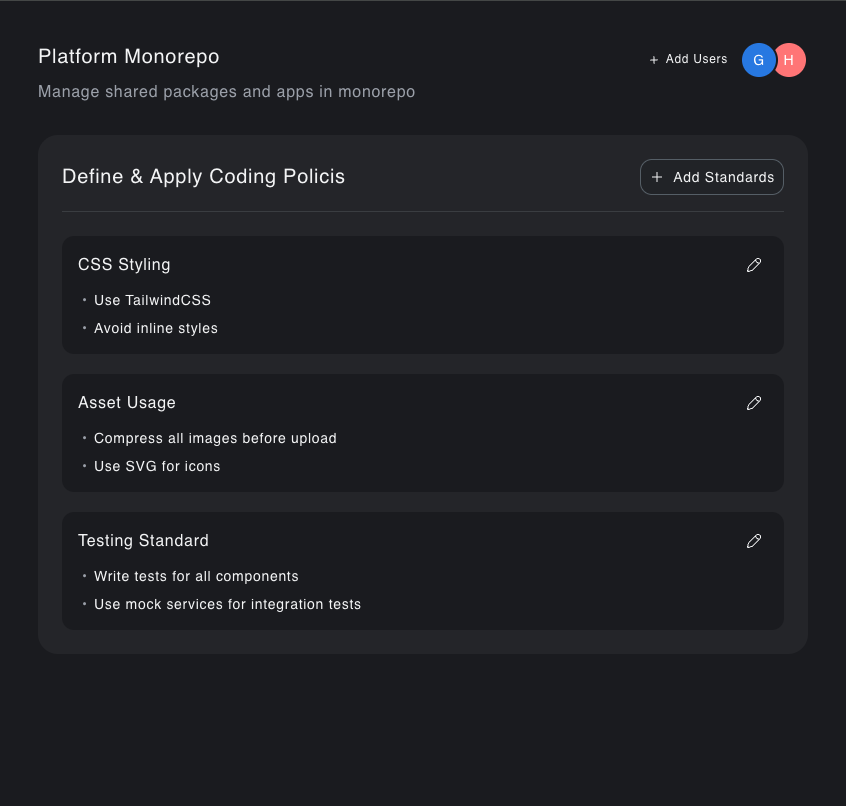
Fei Studio and Fei IDE share their deep understanding of your actual codebase, allowing the engineering team to tune the agent’s coding standards and having it automatically apply to all of the product team’s work in Fei Studio.

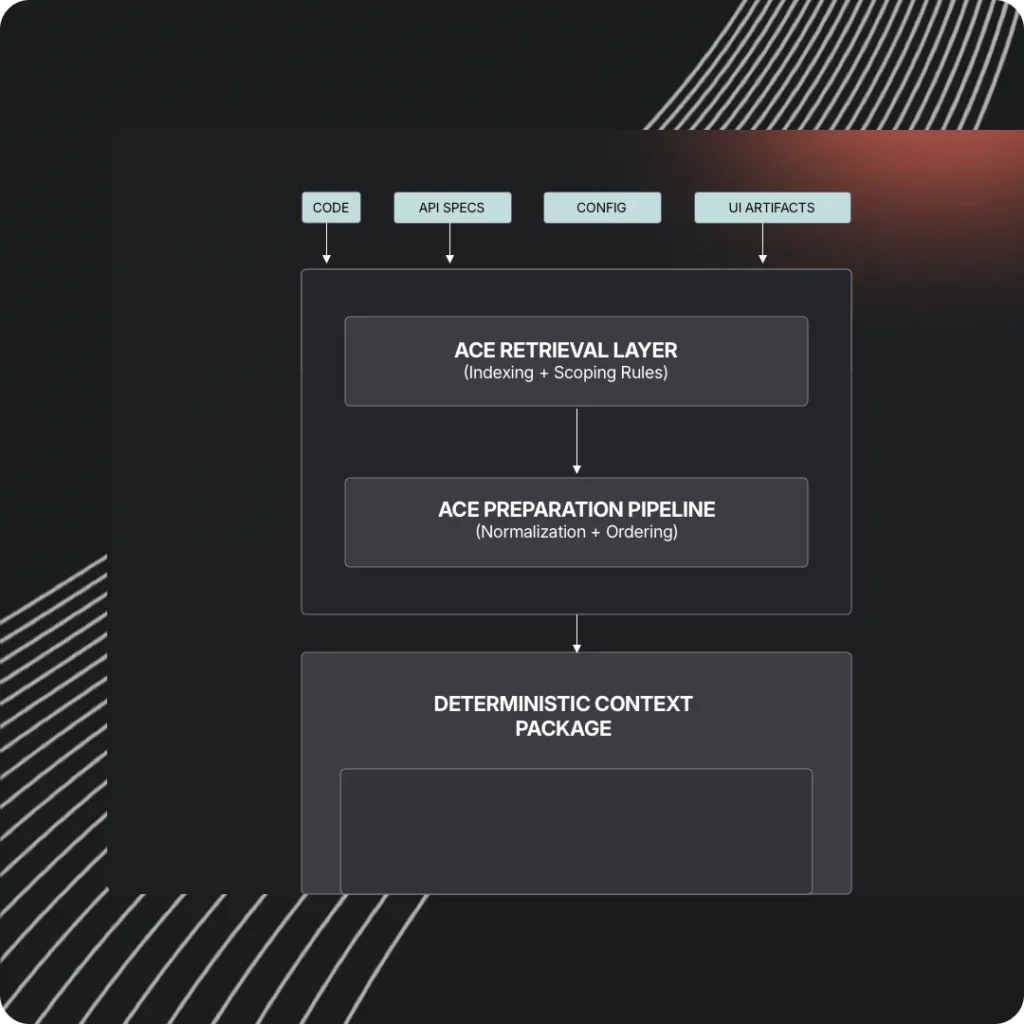
ACE is the Agentic Context Engine used by Fei Studio and Fei IDE to understand your entire codebase. It provides structured, deterministic context for stable reasoning and updates with every merged branch.

No. ACE runs behind Fei Studio and Fei IDE and self-maintains. You’re welcome to tune it but you do not need to maintain or configure it.

Yes. Fei reads your repository file by file to understand your entire stack, no manual configurations needed.

Fei operates in an enterprise-grade security model with strict isolation, minimal data retention, and fully auditable workflows.

Yes. Fei Studio, Fei IDE, and ACE infrastructure are SOC2 certified.

All processing happens inside a secure execution environment. Your data is not used for training or external purposes. ACE maintains an annotation map of your codebase to help point the agent where to look inside the codebase as the agent works without having ACE retain any of your code.

Yes. Private deployments are available for organizations with strict isolation or regulatory needs. 

Speak to sales to receive a quote.

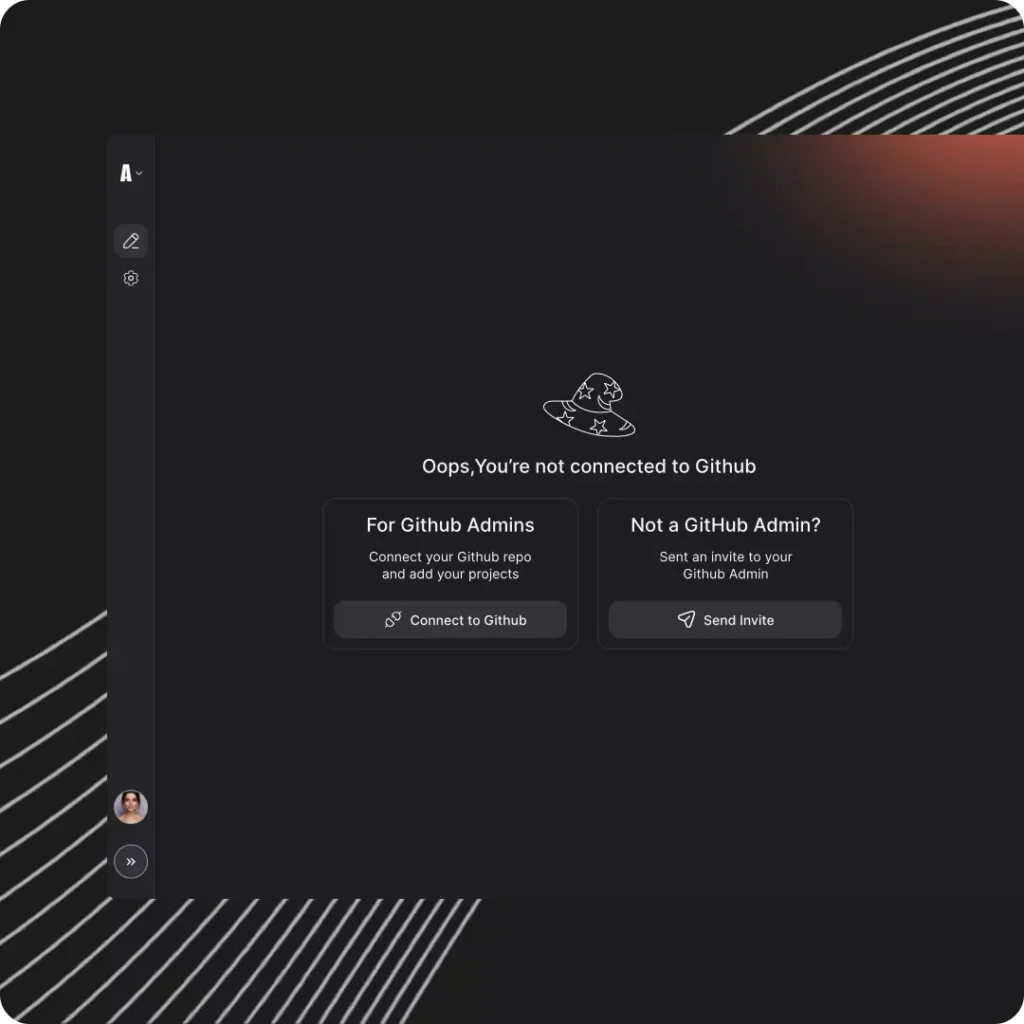
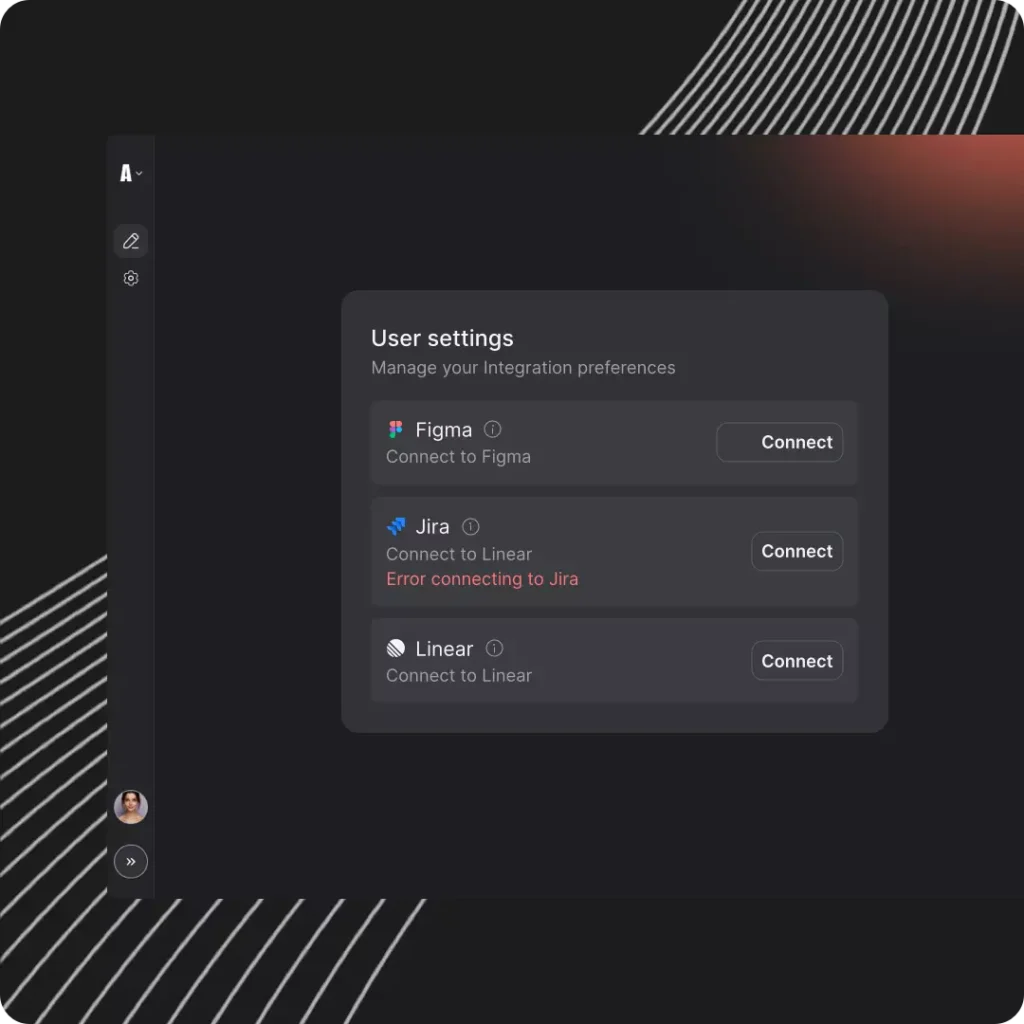
Fei plugs directly into repositories, it can read your Figma files and your Jira/Linear tickets, pluging directly into your product development processes. No workflow changes are required.

Yes. ACE was designed for realistic, fragmented, or partially documented systems.

Request access to the Fei Studio Beta or contact sales for company and enterprise programs.

It is the workspace where product, design, and engineering collaborate on the real product. Teams define behavior, UX, flows, and component intent. Fei then generates production-ready outputs aligned with the codebase.

Fei Studio works on existing enterprise-level products and produces senior-developer-quality output aligned to company standards, design systems, and tribal knowledge – it understands your codebase and directly adds to it.

Cursor and Claude are developer coding assistants inside an IDE and depend on the user’s knowledge of the codebase.

Fei Studio works for the whole product team, finds the right components on its own, understands the repo, and generates developer-ready updates without complex prompting. ACE provides full contextual understanding, allowing Fei Studio to execute the entire front-end engineering workflow.

Fei Studio runs on ACE, which maintains an accurate model of your repository, design system, components, coding practices, and infrastructure configurations. The same rules and guardrails used in engineering also govern Fei Studio.

No. Fei Studio works with your current design tools and system. You can pass it your Figma designs and it will implement it using your codebase’s components and practices. Some organizations use Fei without a Figma design and leave it to implement the specifications using the codebase’s design system – naturally matching your design principles that it learned directly from your code.

Any UI element you can describe: buttons, modals, layouts, full pages, multipage flows, tables, graphics, UX logic, validations, and more. The final output is high-quality code ready for approval. Of course, it can also update existing screens and components to help you clean up existing UI in your product.

Yes. It enables PMs, designers, and business stakeholders to prototype and build Front End and logic within your actual frameworks and standards.

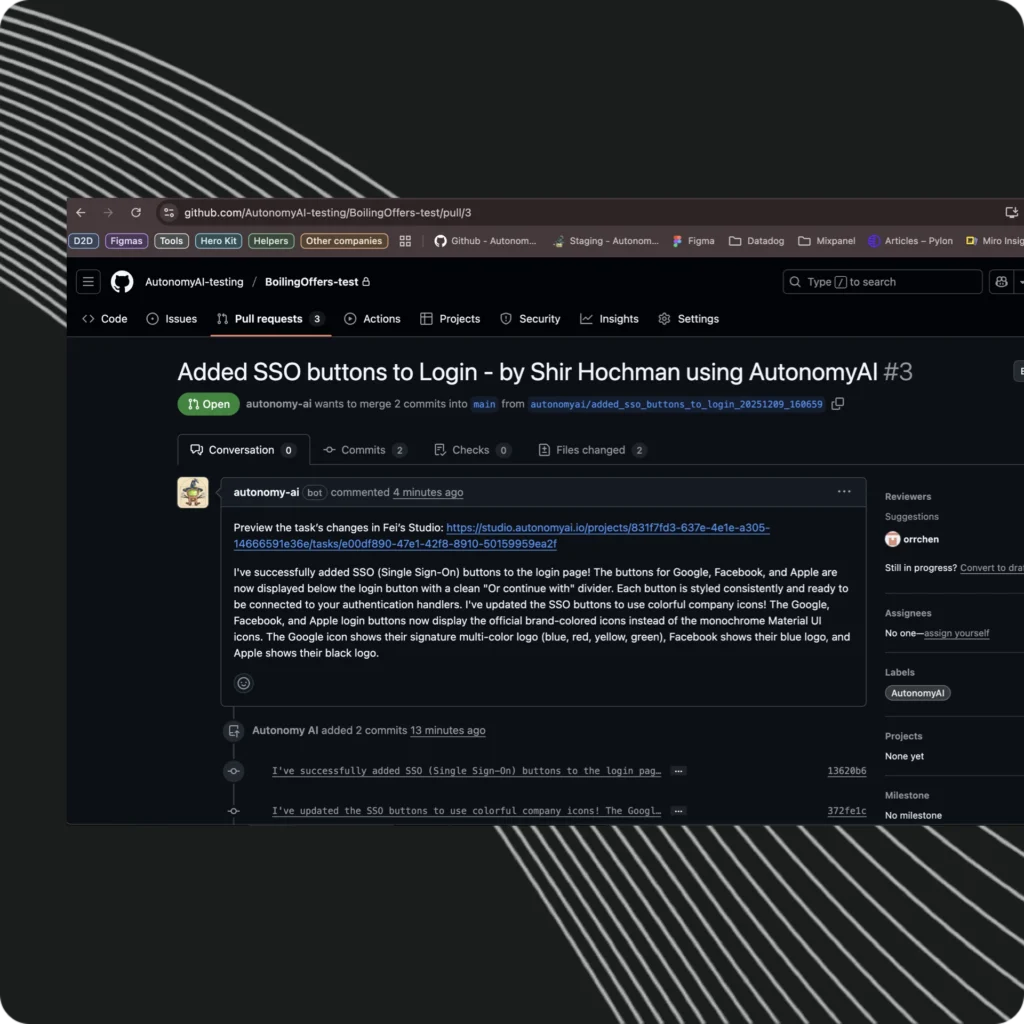
Fei Studio creates high-quality code and sends it to your dev team via a Pull Request. Your dev team can merge the changes or continue the work using Fei IDE. Both share the same context model through ACE.

No. Fei does not train on customer data and does not store customer code. It uses static analysis and project-specific embeddings only.